Doordash Integration
Last updated December 19, 2025
Setup Integration
Step 1: Create a DoorDash Sales Channel
- Follow these instructions to set up your sales channel.
- Make sure the sales channel status is ACTIVE.

Step 2: Complete the Google Form (For New DoorDash Stores Only)
- If your store is not yet on DoorDash, fill out this Google Form using your business details.
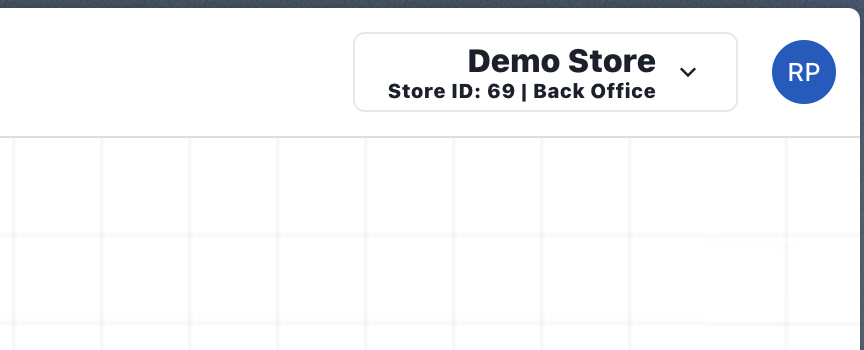
- You can find your Merchant Store ID at the top-right corner of your POS screen.
- If your store is already active on DoorDash, skip this step.
Step 3: Notify Us to Start the Sync
After completing the steps above, email support@transformity.tech with the following details:
- Store Address
- Your Email (must match the DoorDash account email)
- Your First and Last Name
- Store ID
Was this article helpful?